ICI Podcast 285 – Understanding Fitness Instructor Professional Liability Insurance

ICI Podcast 285 – Understanding Fitness Instructor Professional Liability Insurance

Low Cost Fitness Instructor Professional Liability Insurance

UPDATED 9/14 – We are no longer recommending the company involved in this podcast. When we renewed this month we were told we could no longer add an “additional insured” to Amy's policy unless we paid an extra $155.00. This is totally ridiculous in our eyes and we have gone back to Markel Insurance for Amy's liability insurance.

Indoor Cycling is experiencing a boom, with new bouquet studios popping up pretty much everywhere. This is great because all these new studios = more places for us to teach. But there's a small catch. Many of these new studios hire Fitness Instructors as independent contractors, not as true employees, but it shouldn't scare you away from teaching there.

There are multiple advantages for teaching as a self-employed contractor (you may be able to expense your fitness clothes and mileage) and a few disadvantages. The biggest being there's a very good chance the studio's general liability insurance won't protect you if someone gets hurt and sues you personally for millions of dollars 🙁

Professional Liability Insurance is designed to protect Instructors (you) and your family's financial assets, in the event that you're sued by a client. Many fitness businesses require contractors to have their own policy.

In a previous post; Low Cost Fitness Instructor Professional Liability Insurance I explain where I found a great deal (saved us $58.00) on an annual policy for Amy. I contacted the company for someone to interview and they provided Coleen Kelly, their Vice President Program Management for Aon Affinity and  HPSO — Healthcare Providers Service Organization where we purchased Amy's insurance.  This is no longer the case 🙁

Listen to my interview below (sound quality is low as we couldn't use Skype) and if you have additional questions you can call HPSO's info line 1.800.982.9491


Originally posted 2013-10-21 04:56:35.

ICI Podcast 285 – Understanding Fitness Instructor Professional Liability Insurance

Julie Erdmann is back with another fun Tri-ing to be Athletic Picture Post

Guest picture post from Julie Erdmann at Tri-ing to be Athletic


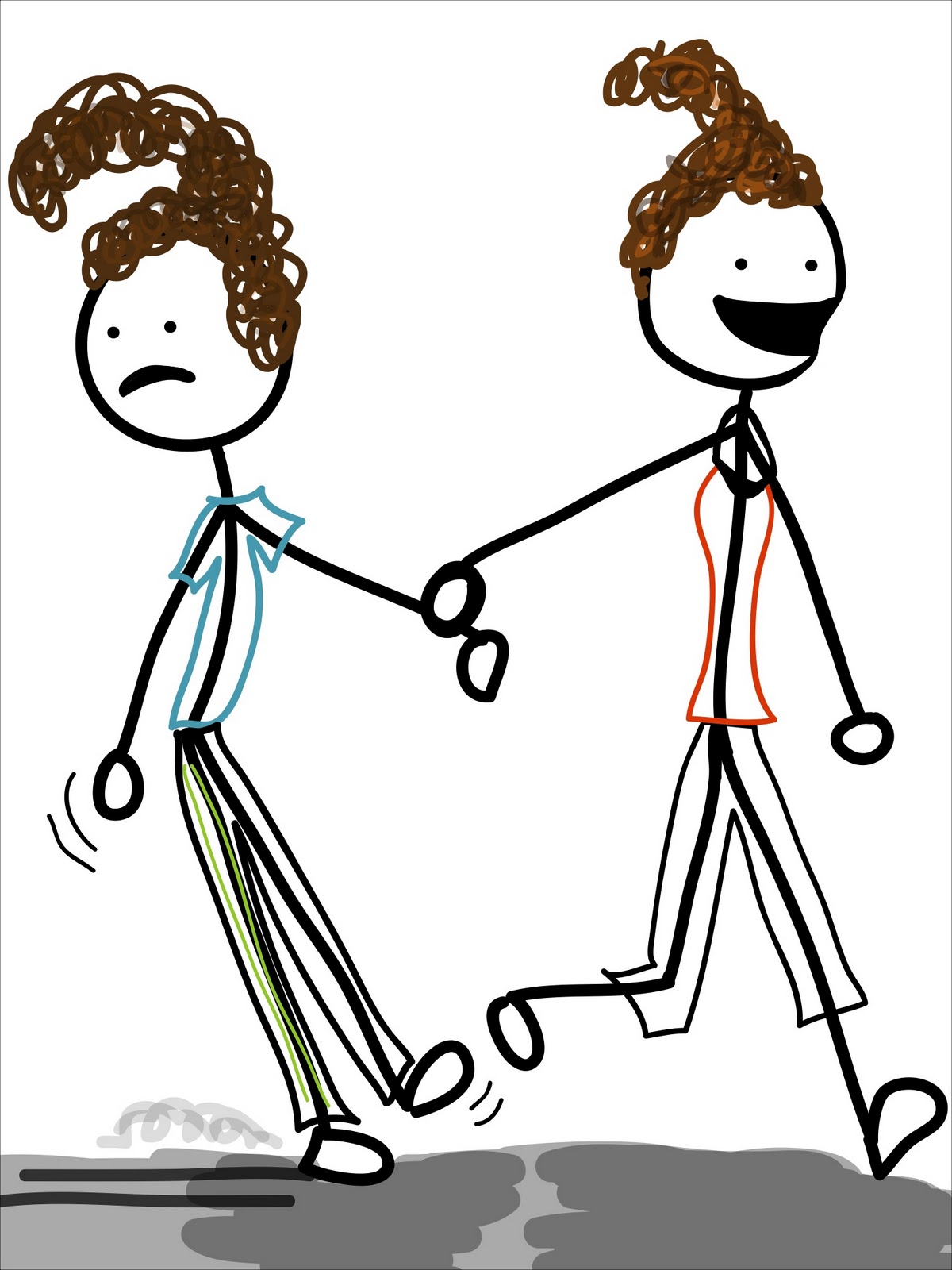
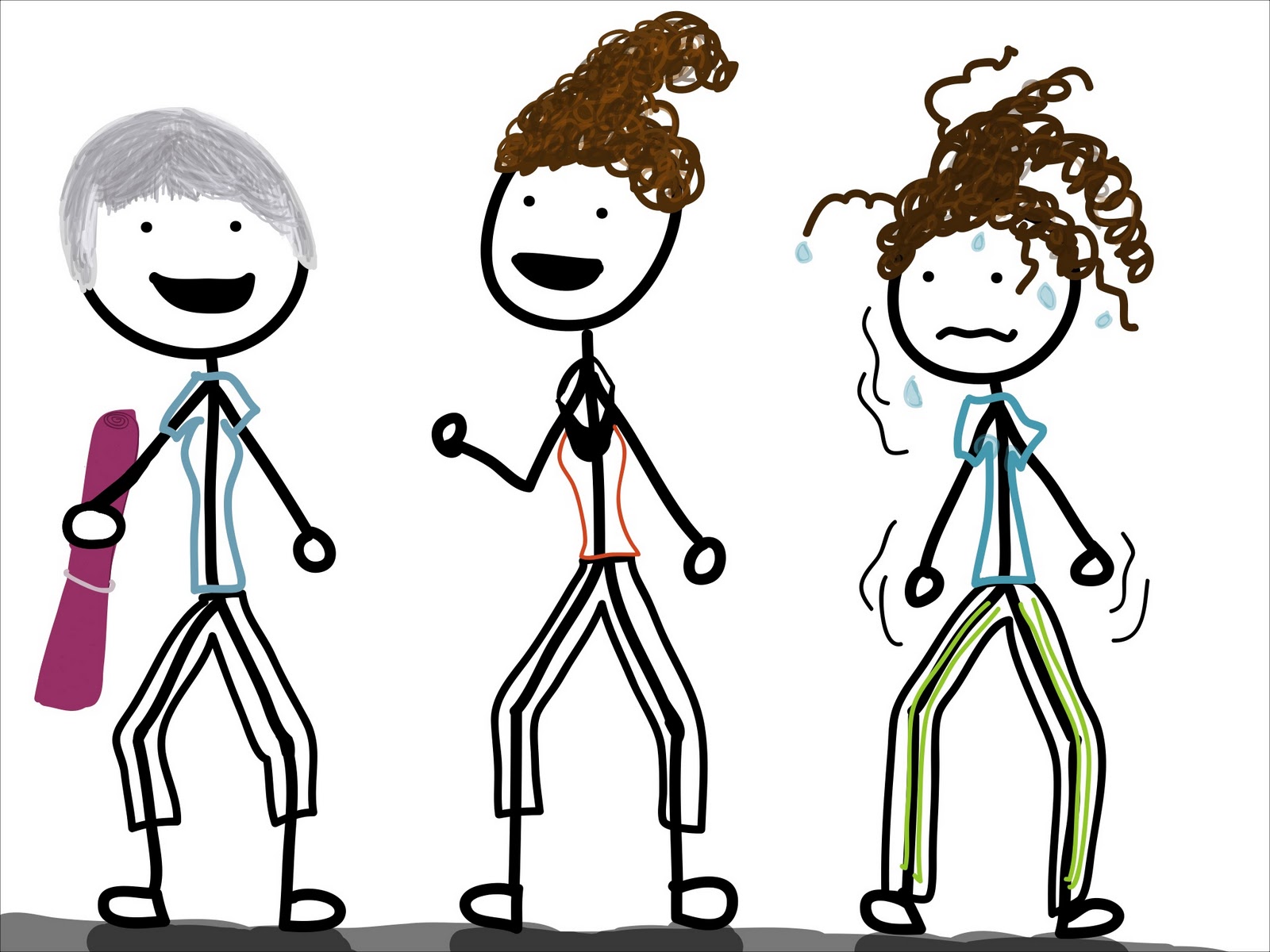
When I was back in Canada last month, my sister, known to all just you guys as GymSis, could not wait to take me to her gym.  And since I had inspired her with the posts here, here, here and here, she felt compelled to drag her younger sister to her spin class. Oh joy.

People say we look like twins, but I don't see it.

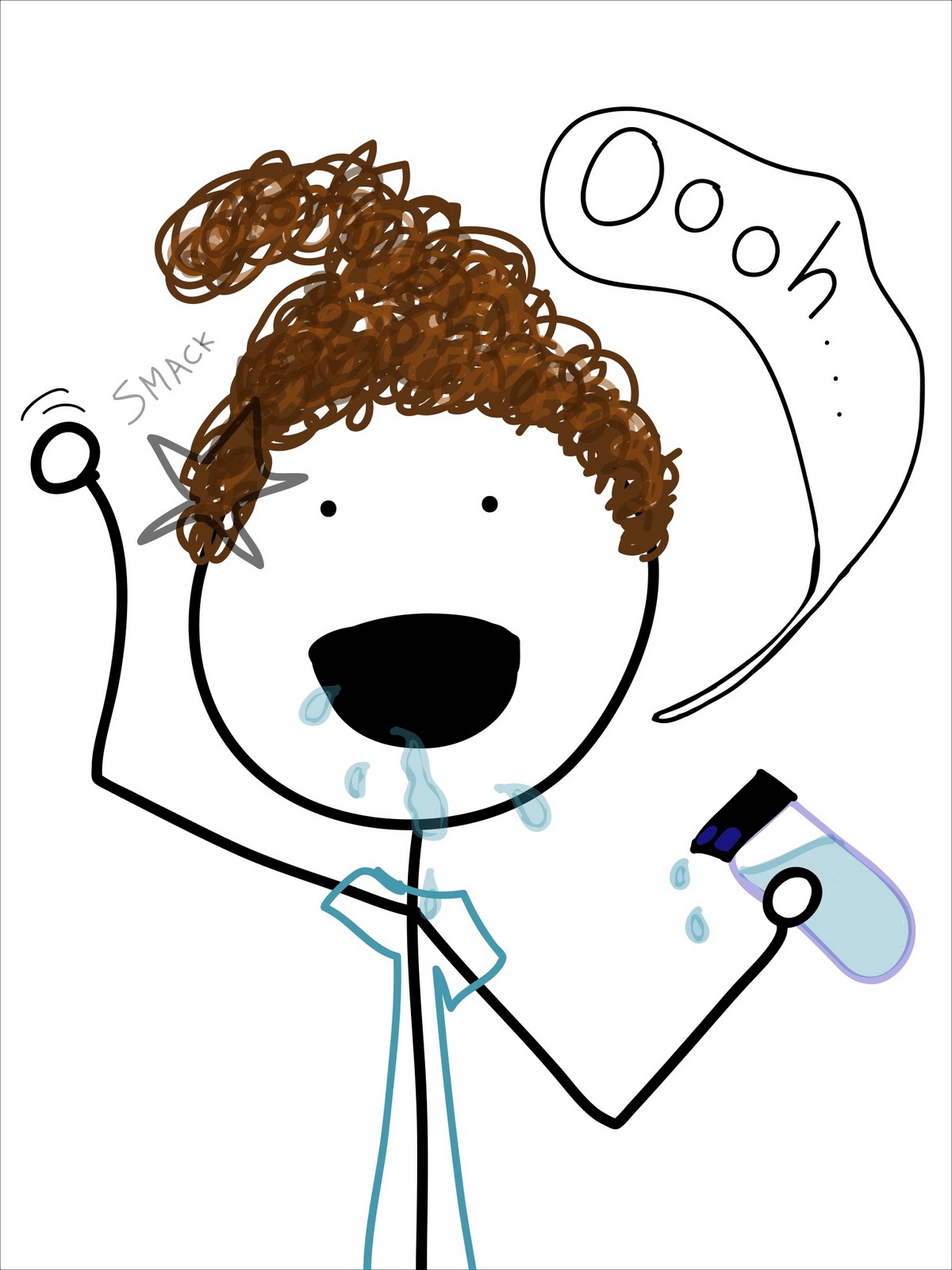
She was kind enough to bring me a water bottle (courtesy of ChatterNephew). Oh hey, can we talk about this water bottle for a minute?  I struggle with these in general.  I avoid wide-mouth bottles when I can because I end up looking like I have a drinking problem.

No, like a physical problem.

I tend to do best with the adult sippy cup, a.k.a. the CamelBak water bottle.  You just bite… and sip! (Anyone else hearing the “Bend and Snap”?)  

I think we could all agree that I would be Paulette in this scenario.

Don't get me wrong, the *bite and sip* is awesome.  But it did not prepare me for the fancy Contigo bottle.  You have to push a button under the lip of the bottle that retracts the top so you can drink.  There is a timing issue that GymSis had to explain to me after I may or may not have spilled everywhere:  you let go of the button before you take it away from your mouth.

Well when you explain it that way…

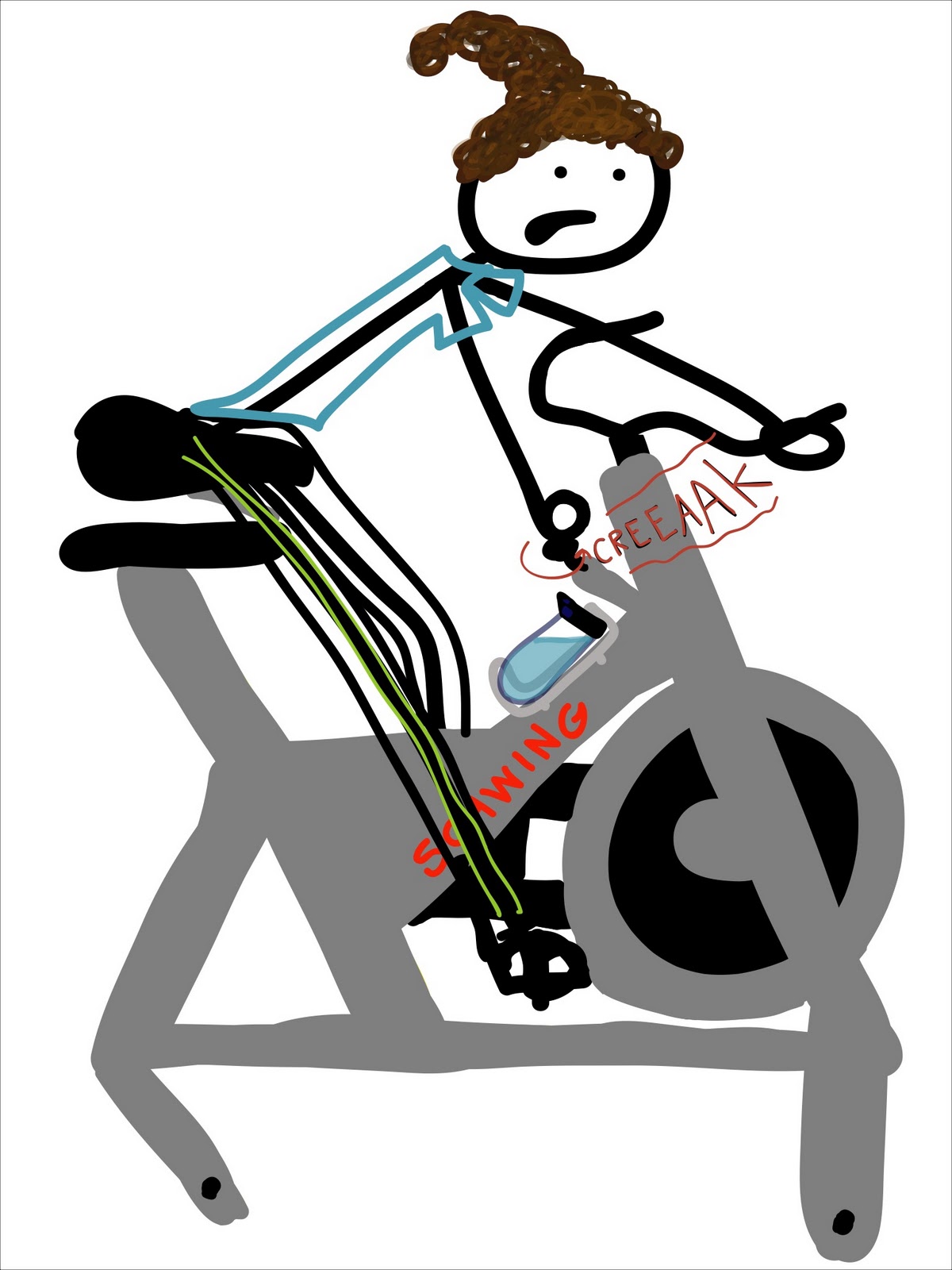
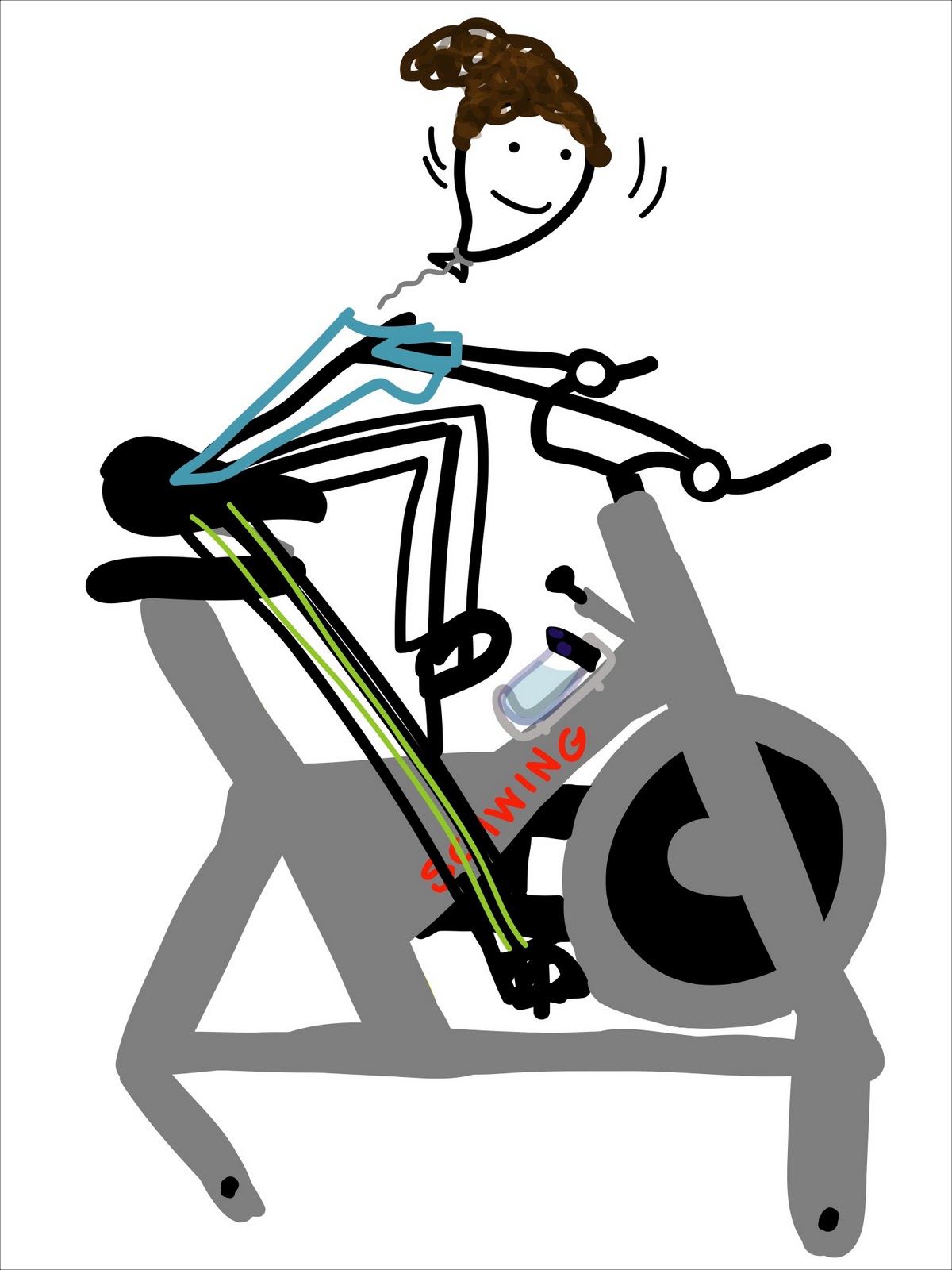
Ok, back to the class. We chose our bikes and hopped on; GymSis found one with a fancy, sparkly red seat.

The bikes were on the older side, so the tension knobs were a little off.  I would turn and turn and turn, spinning tension-free.  Then suddenly I would just jerk to a halt.

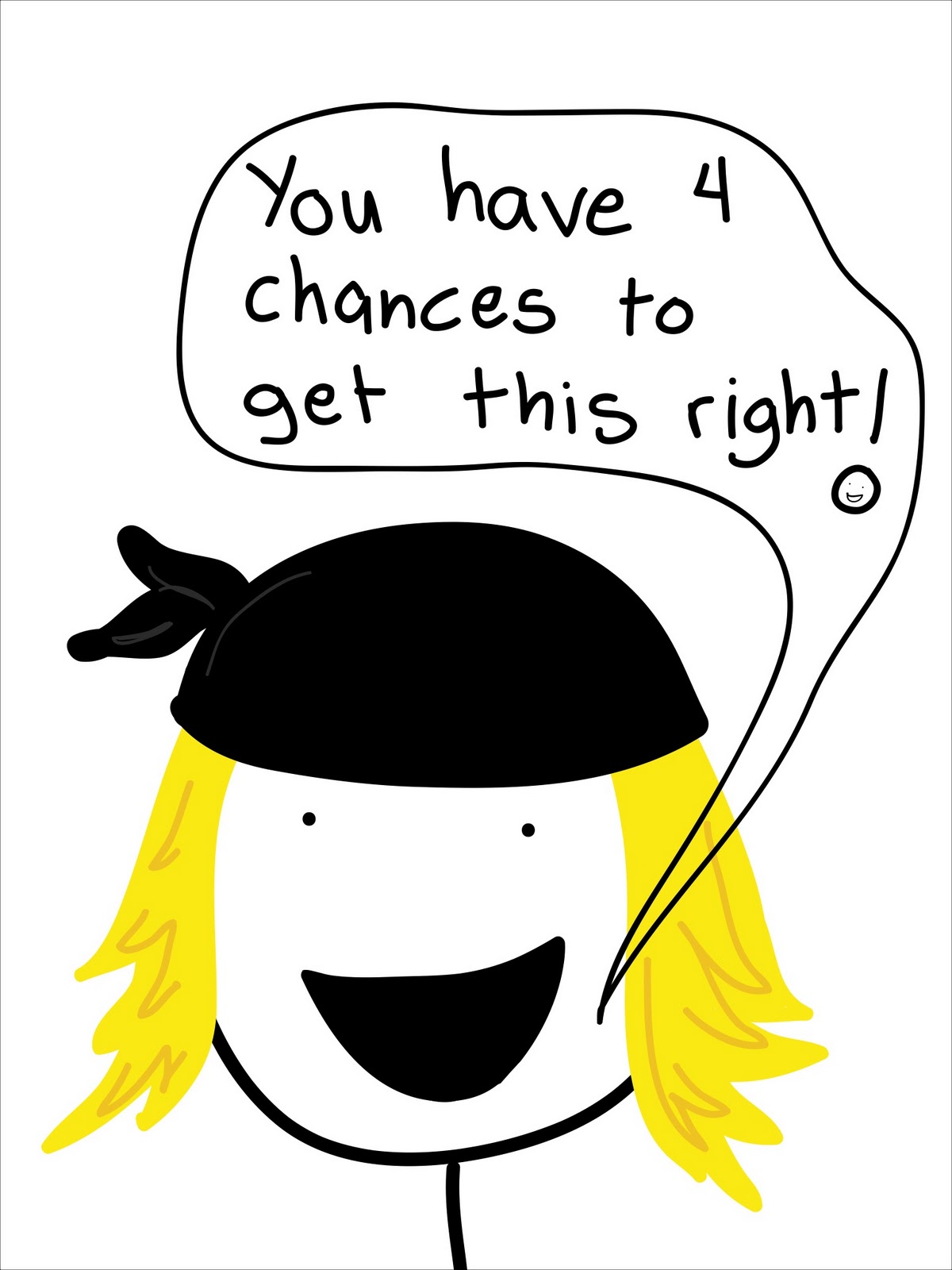
Once the class started, the teacher (her name was Natalie) always had lovely motivational phrases, such as:

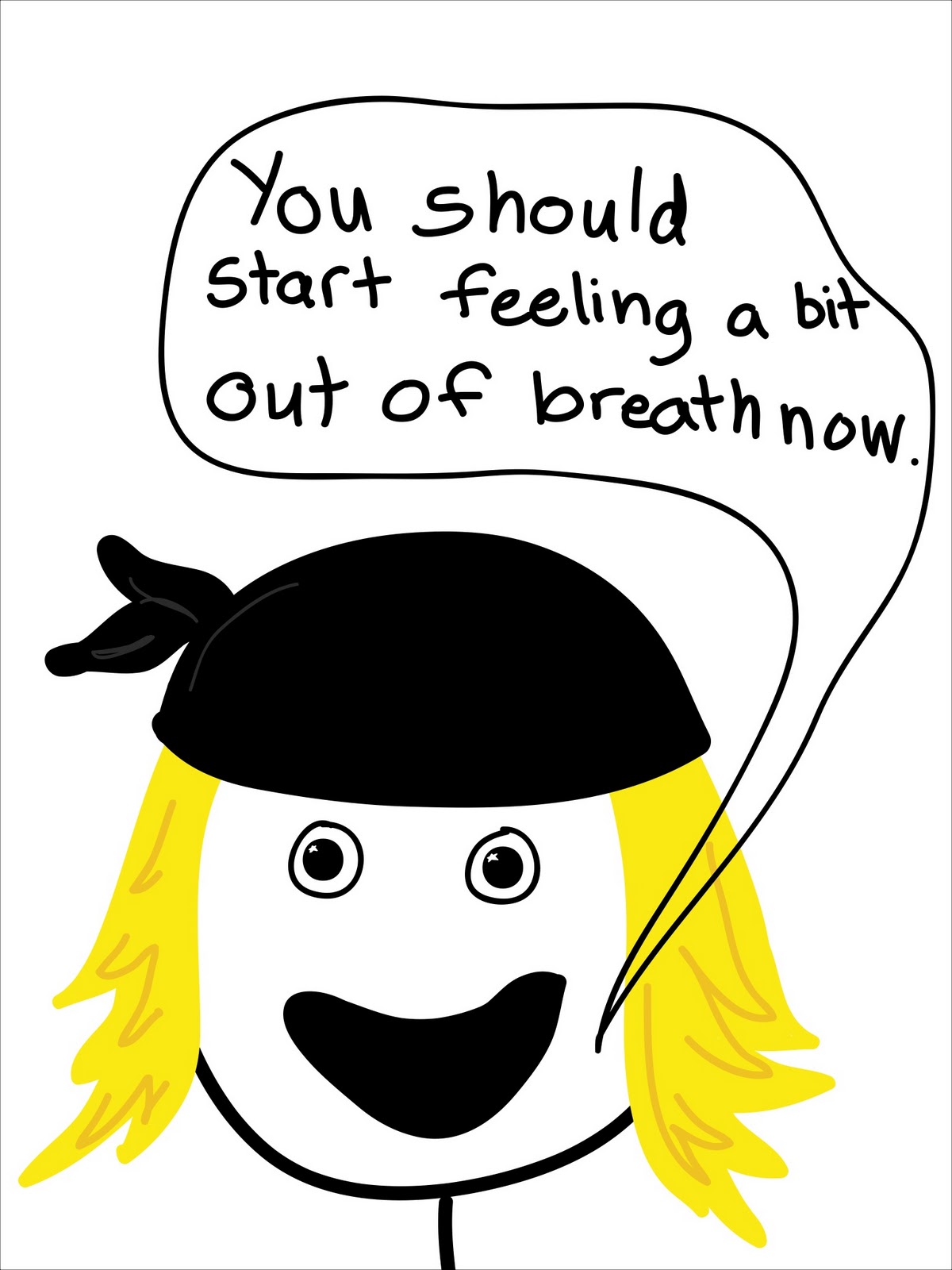
And:

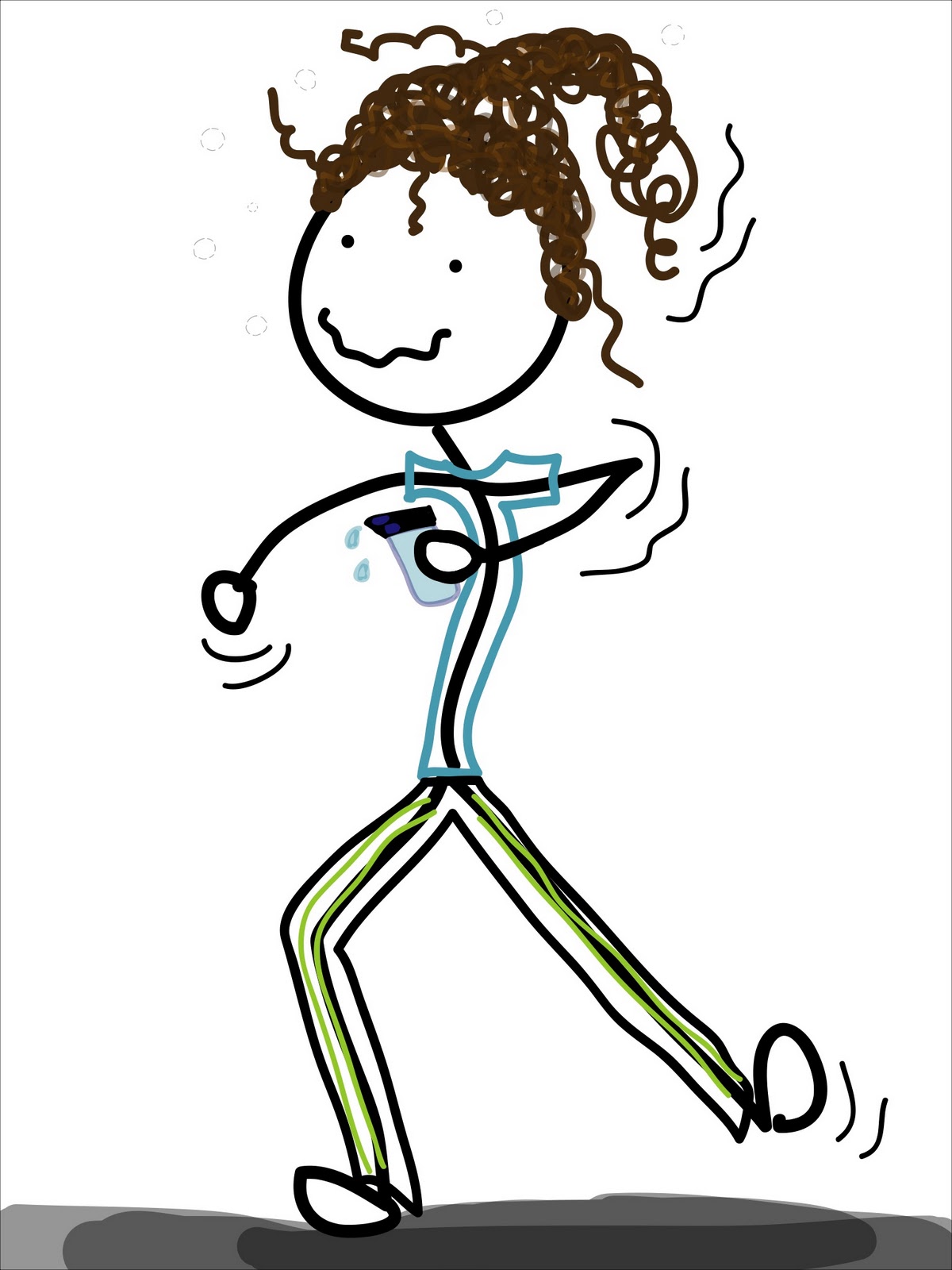
Start??  Really, Natalie?  I think that happened when I sat on the bike.  I was definitely a level beyond ‘slightly breathless'.

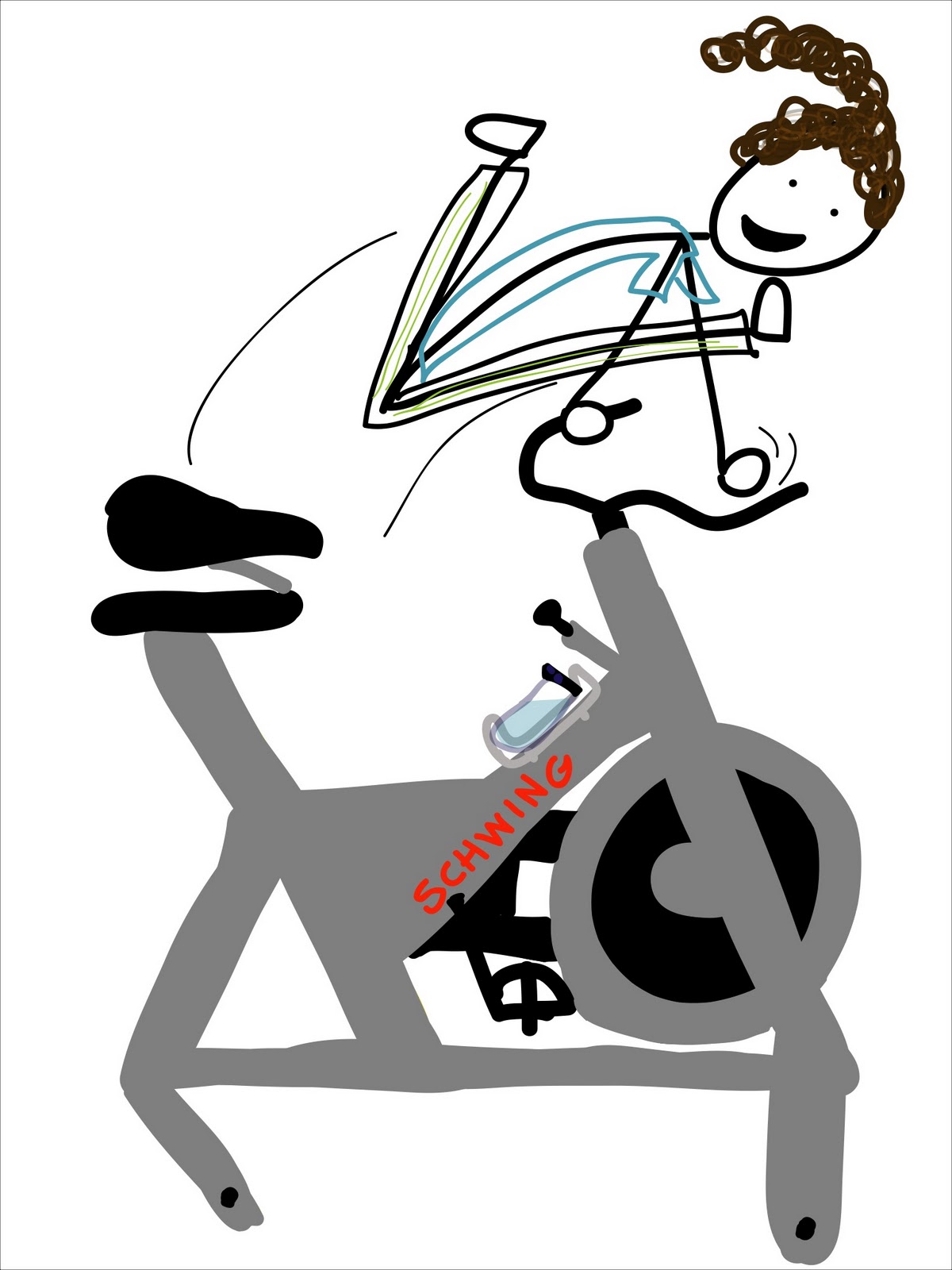
I got to try something new in this class:  jumps.  Natalie was once again very um, uh, motivating.

Side note:  While talking about this later with my mom, she couldn't understand how we performed that maneuvre without hurting ourselves.

After surviving the ride, GymSis took me downstairs to meet our mom for a nice, relaxing BodyFlow class.

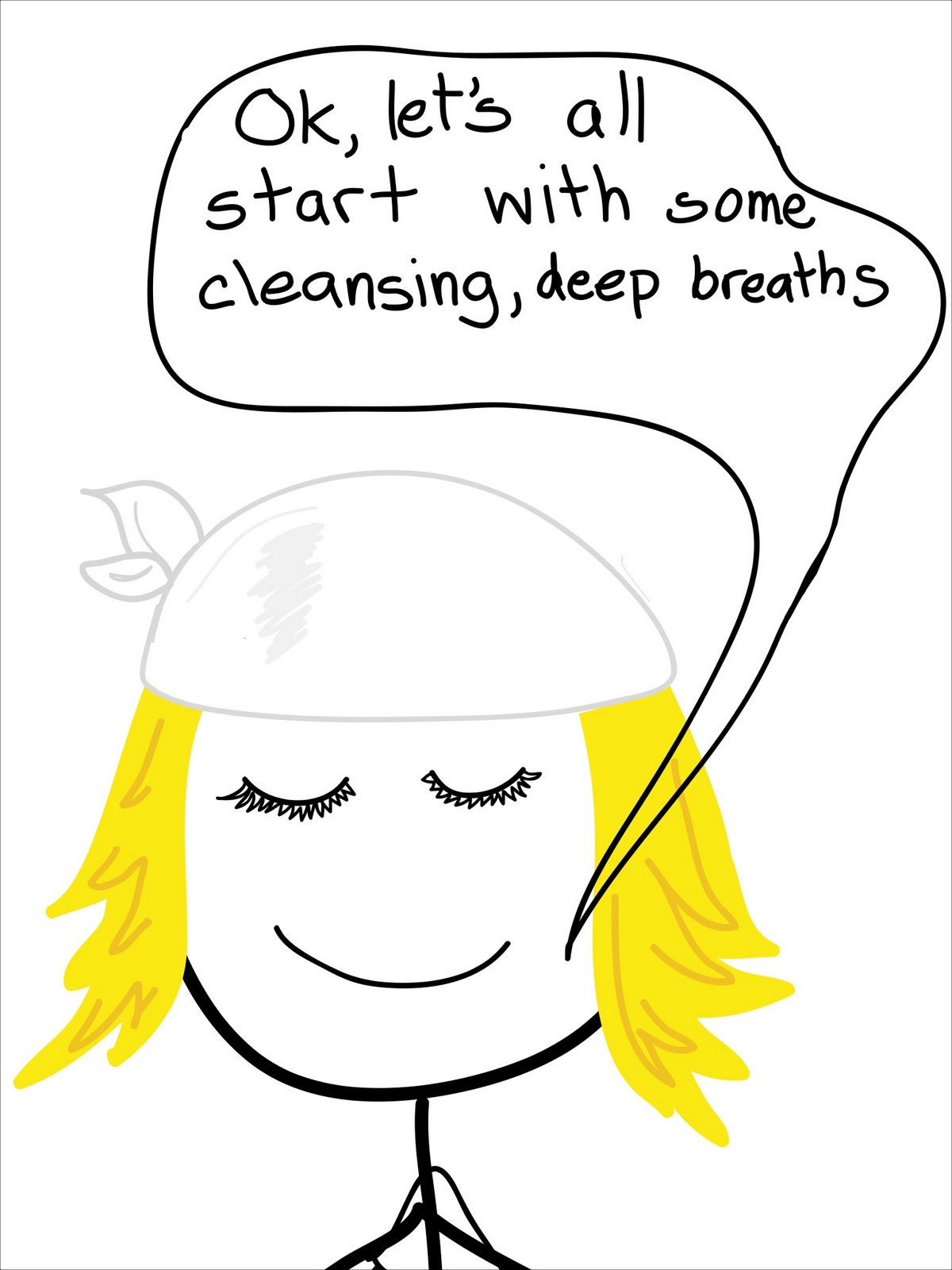
Imagine my surprise when I saw the instructor.

(That white scarf did not fool me.)

The class involved some tai chi,

some pilates,

and some yoga.

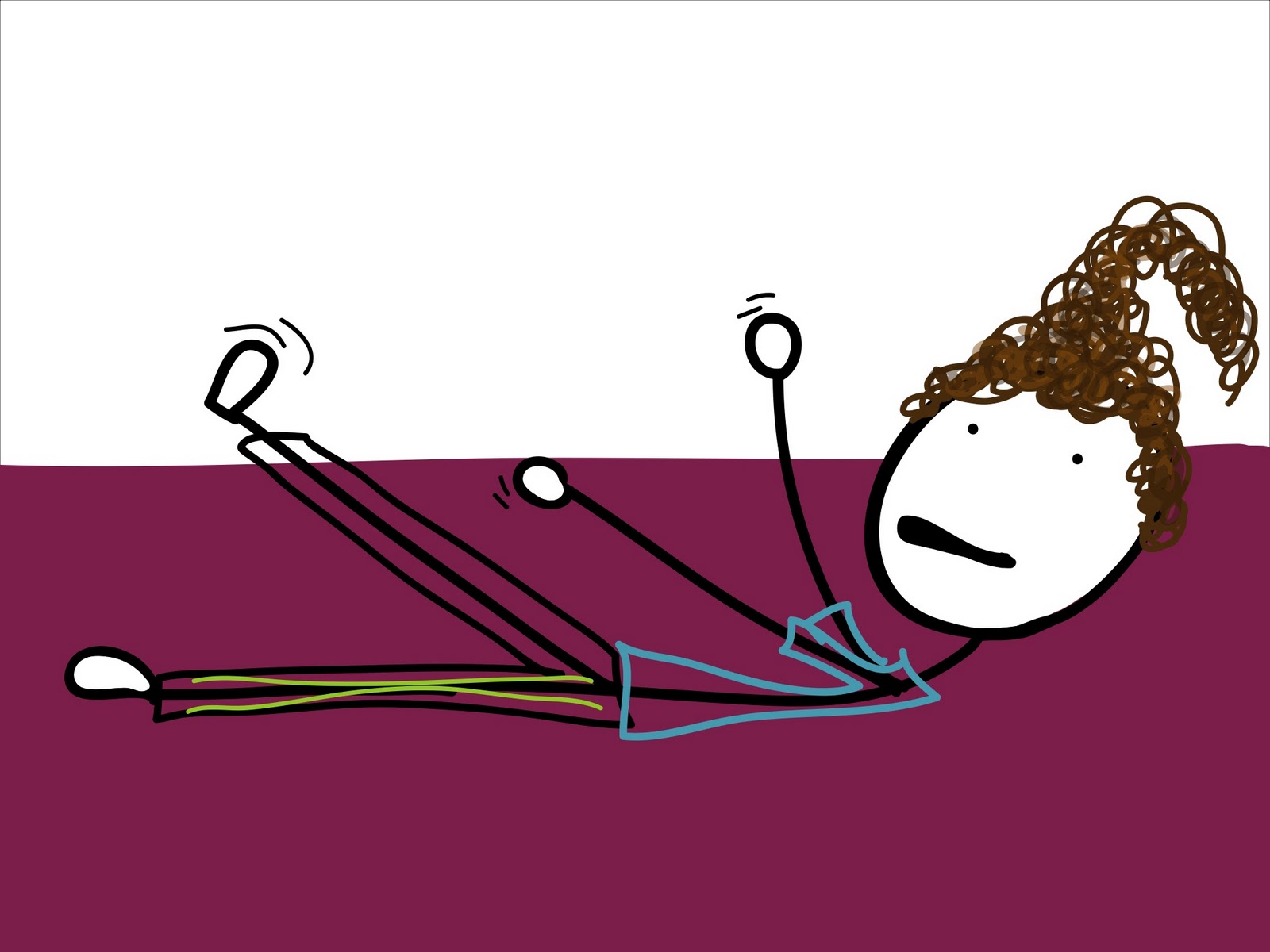
GymSis' bendiness is so impressive!

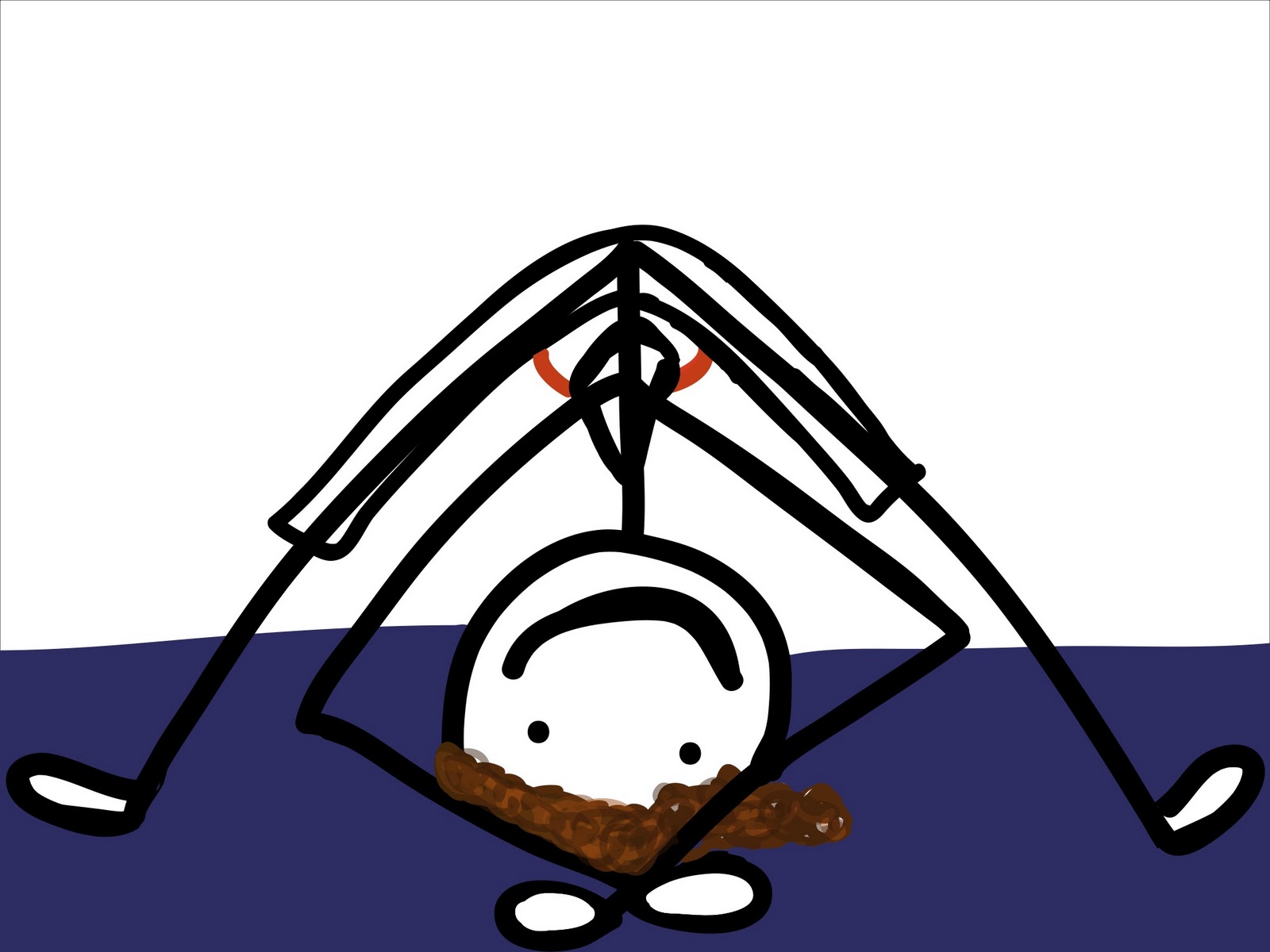
Hmm? What's that?  Where's *my* yoga pose, you ask?

Ta-da!
NEXT POST: A NEW WAY TO RUN

http://tri-ingtobeathletic.blogspot.com/

DON'T FORGET, you can go to my Zazzle store to buy your favourite TRI-ING TO BE ATHLETIC picture on a shirt, tote, mug, bumper sticker, or tech decal! There are lots of shirt styles and colours so look around.  Let me know if you have any questions or requests 😀


Originally posted 2011-10-17 07:32:38.

ICI Podcast 285 – Understanding Fitness Instructor Professional Liability Insurance

Understanding ANT+ and Heart Rate Monitors on Indoor Cycles


PRO member Kay asked a very good question about ANT+

… I'm also wondering about Heart Rate.  If the bikes are ANT+, will they only pick up ANT+ Heart Rate Monitors?  I noticed that the new Schwinn did not pick up my Polar HRM
Thank you for your comments!
Kay

The short answer is; No. Indoor Cycles with or without ANT+ consoles will detect and display most Heart Rate straps.

It all comes down to the type of HR strap you are using, but it can get confusing. I'll try to explain.

First let's identify the three players:

  • Analog (Low Frequency) HR Monitor straps
  • Digital/ANT+ (High Frequency) HR Monitor straps
  • Hybrid HR Straps that offer both High and Low Frequencies

Analog HR straps & monitors have been around for years. I guess you could say they are the generic version and any inexpensive HR monitor is Analog. For many people they work just fine but they have two problems:

  1. They will “Cross Talk” with other monitors as they are indiscriminate in which signal they will choose to display.
  2. Battery life of the strap can be relatively short (measured in months of use) due to the amount of power they consume broadcasting their low frequency (5000Hz) signal. It takes comparably more energy to generate low frequencies  vs. high frequencies – think how much work a Tuba Player expends vs. the Piccolo Player in a marching band  and I'm not referring to the weight of the instrument.

To solve these two problems HR manufactures introduced Digital HR straps and monitors using a very high frequency 2.4gHz or 2,400,000,000Hz which is what is referred to as ANT+ or some like Polar describe it as “Coded”.

  1. ANT+ receivers will lock onto the source – commonly known as “Pairing”, they will reject other competing signals once they have been successfully paired.
  2. Battery life is measured in years – Garmin says their strap's battery will last over 5 years, operating one hour a day.

ANT+ has another ability that Analog doesn't, the ability to transmit and receive multiple data sets over multiple channels. Where your Analog monitor can only understand; Beat…Beat…Beat, ANT+ can transmit an incredible amount of information that's really limited to the engineer's imagination. I'll bet that that CycleOps PowerCal Power Meter that uses only heart rate data from the users chest strap to estimate Power Output is transmitting a lot more than just Beat…Beat…Beat

Examples of ANT+ HR straps are:

So ANT+ looks like the perfect solution, except for one little problem… every piece of fitness equipment on the planet is designed to receive and display Analog signals. But this is changing and Garmin as an article here that lists the change with more and more pieces of equipment adding ANT+ technology.

Enter Hybrid HR straps that transmit in both the high ANT+ and Low Analog frequencies. This give the user the option to display their HR on a club's treadmill, while at the same time only pairing with a compatible ANT+ device.

Hybrid HR Straps include.

So back to your question about not being able to see your HR on the Schwinn AC, Kay. Either the Schwinn AC MPower Console or FreeMotion's should display your HR, regardless of what strap you were wearing. I have a Hybrid Polar strap which works just fine on the Schwinn, but not an exclusively ANT+ strap – so I don't have first hand experience.

I've asked the question to both companies and will update this post when I know more.

UPDATE: Schwinn Master Instructor Julz Arney got back to me with:

Yes, the wireless technology used by the MPower console is ANT+ (owned by Garmin.) Any HR strap using ANT+ should connect. There are a few hints to make it easier:

-Have HR strap on and functioning before turning on console
-Be on the bike saddle (i.e. in close range of the console)
The console looks for a HR signal for approximately 30 seconds from when it's turned on. If it doesn't find a signal it will stop looking. The rider will then need to turn off the console and turn it back on.)

I hope this helps!

Both the Schwinn AC and FreeMotion have a limited time for the rider to pair to the console. The S1.9 will only connect during when the console shows Warm Up.


Sally Edwards has a great article you can read that adds additional detail on choosing a digital or analog Heart Rate monitor here.

Originally posted 2012-10-17 10:09:58.

ICI Podcast 285 – Understanding Fitness Instructor Professional Liability Insurance

iPhone App you and your student’s will love

When I'm asked to review a product or service that includes new technology, I'm always a bit hesitant. You see I like simple and I tend to see many new products trying to solve a problem that really doesn't need to be solved or will add another (needless) layer of complexity/frustration/distraction to the lives of Instructors and/or their students.

Power indication in our classes is a perfect example. Seeing our watts is a huge step for many of us and equally so for our students. We see the value of all this information (metrics) about the amount of work we're doing in class. Many of us are excited to use that data as the basis for improving our fitness.

But what do we do with all this new information?

Collecting your data is a good place to begin. Both the FreeMotion and Schwinn Power Meter consoles offer the option to plug in a USB flash drive. After your training session you can download the ride to your computer to see what you've done. Which is interesting, about two times. Then you realize that looking at a snapshot of a single day isn't really telling you anything of value. If you're an Excel expert you can build a fancy spreadsheet to show graphs where you can see trends. Or you can subscribe to an online service like Training Peaks ($20 a month if you want the graphing features), upload your results and track your fitness. I see online services as an excellent choice for a committed athlete, but a bit over-the-top for the Club Athletes that make up the majority of our classes.

When Cameron Chinatti from Stages Indoor Cycling explained their new iPhone App, which is designed for use with the FreeMotion console, I saw it as a potentially useful tool that could benefit both you and your students.

So I agreed to give it a try to see if it was in fact useful and not needlessly complex or distracting.

Click here to see my review of the FreeMotion S11.9 and S11.0 Indoor Cycles.

Or order a Freemotion S11.0 Indoor Cycle – Includes the Power Sensor Console – from amazon.com with free shipping
Set up.
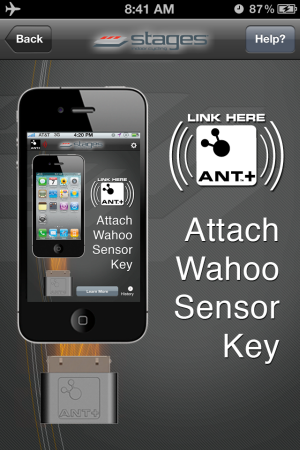
The console uses Ant+ to communicate with other devices. iPhones don't “hear” Ant+ signals, so Cameron sent me a Wahoo Key – a little device that plugs into the bottom of your iPhone. I then purchased the $0.99 Stages App from the iTunes store and installed it.

freemotion s11.0 power meter iPhone app

Using the Stages App.

I have a “Is it intuitive and easy to use?” test, which is simply; “do you turn it on and it works… Yes or No?

The App passed – and as long as I followed the proper procedure, every time I turned it on it worked.

The console is designed to “Pair” fancy word for connecting to both a Heart Rate strap and/or your iPhone during “Warm Up” mode. Once you advance to Stage 1 Pairing is no longer available. With the Stages App turned on, pedaling the bike and the console in Warm Up you will see:

Pressing the Stage button brings you to the main screen.

My second test is; “what value does this product provide, beyond some fancy graphics?”

Something we all need to know.

The Stages App will calculate your FTP (Functional Threshold Power) and your Heart Rate at FTP over a series of rides. Understanding your FTP is as important as knowing your Threshold Heart Rate. With both these metabolic markers you can create specific training zones. Once your student's know their Power Zones your class will be a whole lot easier to teach for you and more understandable (and beneficial) for them 🙂

Here's the setup screen where you can select to App to calculate your FTP or you can manually add it if known.

FreeMotion iPhone App Calculates your Functional Threshold Power FTP and Heart Rate

Auto-Calculate FTP is HUGE

I talked to Cameron about the auto-calculate feature because after three rides it was showing my FTP as 186 Watts vs. ~240 watts which I'm normally seeing during a long hard effort. Her response was; “how hard did you ride during those classes?” I admitted that I hadn't worked as hard as I could have. Cameron explained that App is looking for your best 20 minute average wattage and if I don't provide a hard/long effort the App doesn't have the necessary data to work from. It didn't have any trouble calculating my FTHR 🙂


There's much more to this App and I am planning a Podcast with Cameron to explore all it's functionality in more detail. For more now please check out this Quick Start video and if you are teaching or training on a FreeMotion S11 series Indoor Cycle I highly recommend that you start using this App – ASAP.
Order your Freemotion S11.0 Indoor Cycle – with Power Sensor Console

Originally posted 2012-05-13 11:33:38.