It's common to have a little “chit-chat” warmup with Podcast guests. This time is for catching up with past contributors (or to calm first timers) before we record the actual Audio Profile or dive into the episode's topic. I'll occasionally have the recorder running during this time and for fun, I thought you'd enjoy hearing a segment of my conversation with Instructor Christine Hawthorne – AKA blogger Chrispins – where we discuss our initial thoughts on Apple Music and Chris shares a bit about her life beyond teaching.
I'll be publishing Chris's latest Audio Profile for our ICI/PRO members later today.
iTunes 12.2 wasn't ready for the launch – so I have no idea how, or even if, it works 🙁
7/1 9:40am – could this be anymore confusing? Trying to save a streamed track to a playlist named 7/1 Test Playlist I created this morning. After exhausting all obvious methods, I tried first adding it to MY Music = success. Turns out that to add an Apple Music track to a playlist, it first needs to be downloaded to your computer like all of your local tracks…
BUT THEN I DISCOVERED THIS
You have got to be kidding me – really Apple? You won't allow me to transfer a playlist from my computer to my iPhone?
So it looks like the only offline usage of Apple Music is on a computer 🙁
I'm not wasting anymore time with this.
7/1 8:06am – seeing iTunes 12.2 is now available (link) and downloading it now. I will be posting my experiences shortly.
I'll be adding updates of my initial experiences above, as I have them… I'll save you some time by telling you that I already hate Apple Music.
Alright, I'm a little biased on the subject. I've developed a dislike for iTunes over the years and Apple Music hasn't done anything to change that opinion.
I was excited to try the new Apple Music Streaming Music service today. It went live at 11:00est and if you update your iPhone or iPad to the latest version of iOS 8.4 you'll see the new iTunes logo. Click it and (if you're lucky) the new Apple Music will open. I say lucky because it took 4 tries (opening and then closing the App) to get past the welcome screen.
I got kind of tired seeing this screen, and nothing more.
Once I had a functioning iPad App – I quickly realised that, like Spotify, building playlists will be easier from a desktop. Apple Music is part of iTunes 12.2… unfortunately at the time I posted this it wasn't available.
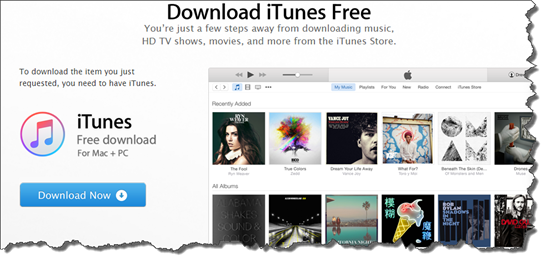
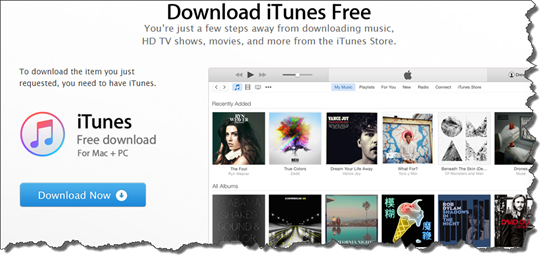
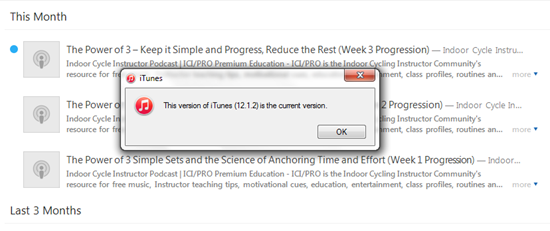
Err, no this isn't the most current version 🙁
Movingattempting to move a track into a playlist on my iPad requires a number of clicks; first click the track to play it > then click the “…” more icon for an option to move to a playlist. I prefaced this with attempted to move > after repeated tries I've yet to successfully see any tracks added to my test playlist. So I can't tell you how it works, because it doesn't.
No Cross Fade
This is a deal breaker for me. Apple Music doesn't appear to offer a crossfade > Just the EQ and volume limiter you had in iTunes.I love the crossfade feature in Spotify and can't even consider delivering class music without it. The one exception would be when I used one of Dennis Mellon's premixed class MP3s, which he's already fully mixed, so it's a non-issue.
I'm going to wait to see if Apple can sort out their issues, and release iTunes 12.2 so I can try the desktop version.
Stay tuned – but don't hold your breath. Spotify doesn't appear to have a competitor here for Indoor Cycling Instructors.
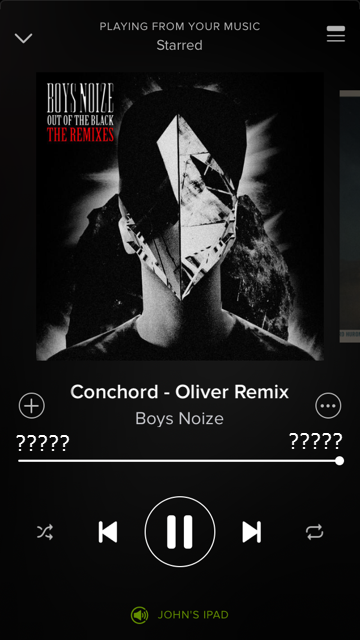
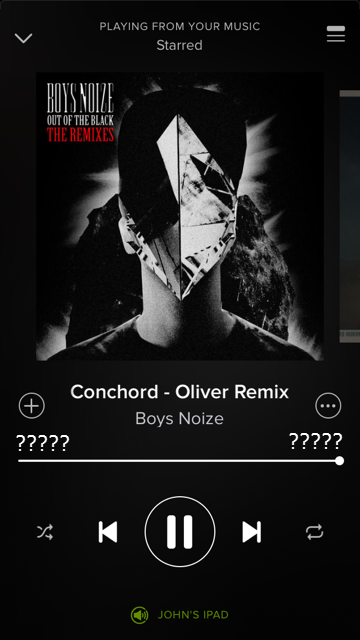
When I fired up Spotify this morning I was taken to a “this is new” screen and I knew I was hosed. Played a track and sure enough the track length timer disappears after a few seconds. Oh, sure, you can touch the album art and the numbers will reappear, only to fade away. Frustrating.
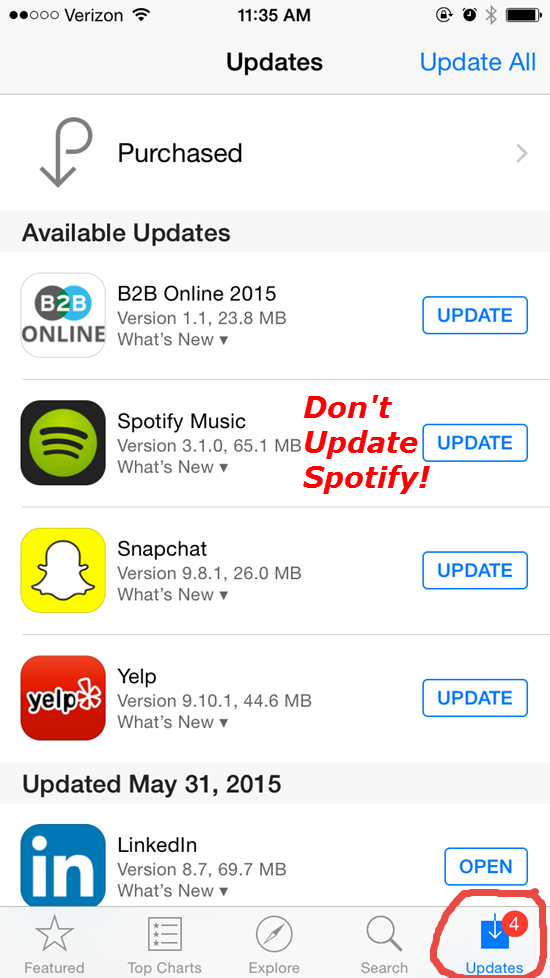
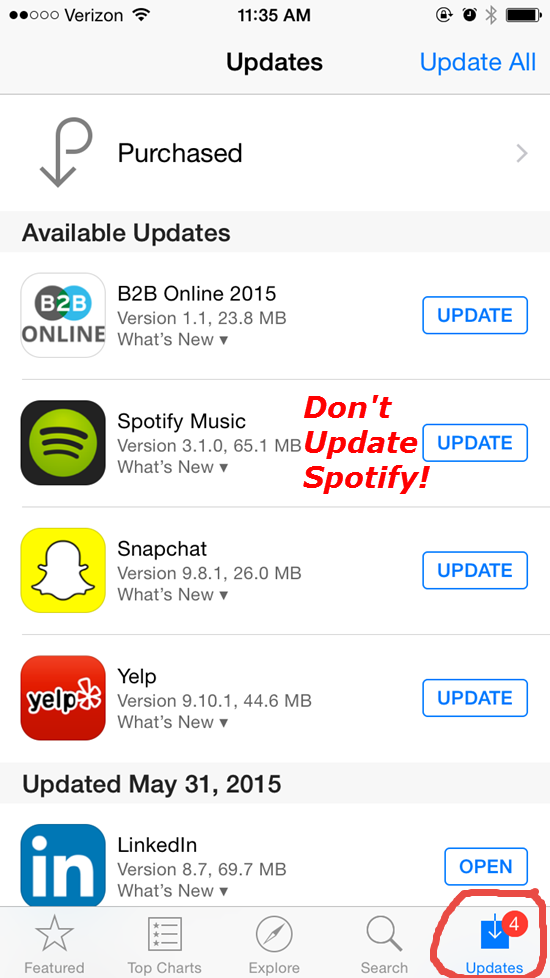
So I checked to see; how did this happen? Did I do something incorrectly in my settings that would have prevented this? Turns out no. Opening the App I see that Spotify is waiting for me to click update, along with all the others. So Spotify updated without my approval 🙁
So what to do?
I'm not seeing any option on my iPhone other than frequently tapping the screen.
Taking one for the ICI/PRO team, I crossed my fingers and updated Spotify on my iPad. That works! The playlist timer remains on. So that's going to be my device until if/when Spotify changes the iPhone version.
Beyond that, I suppose we'll have to wait a few weeks and – I hate to even consider this – and switch to Apple Music 🙁 Then of course there's the issue with the hundreds of playlists many of us have built. Will there be a way to convert a Spotify music playlist to an Apple Music playlist? We have a tool here to convert music playlists from Spotify to Deezer. I'll have to get cracking on that ASAP.
I've been waiting to see the new Spotify iPhone App upgrade this month. Now I'm glad I haven't. Word is that the track length timer fades out after a few seconds – leaving you with no understanding of the time remaining 🙁
This problem popped up on Facebook this week & the Spotify forum has a thread where users are complaining about the missing timer. Who would think this is a good idea?
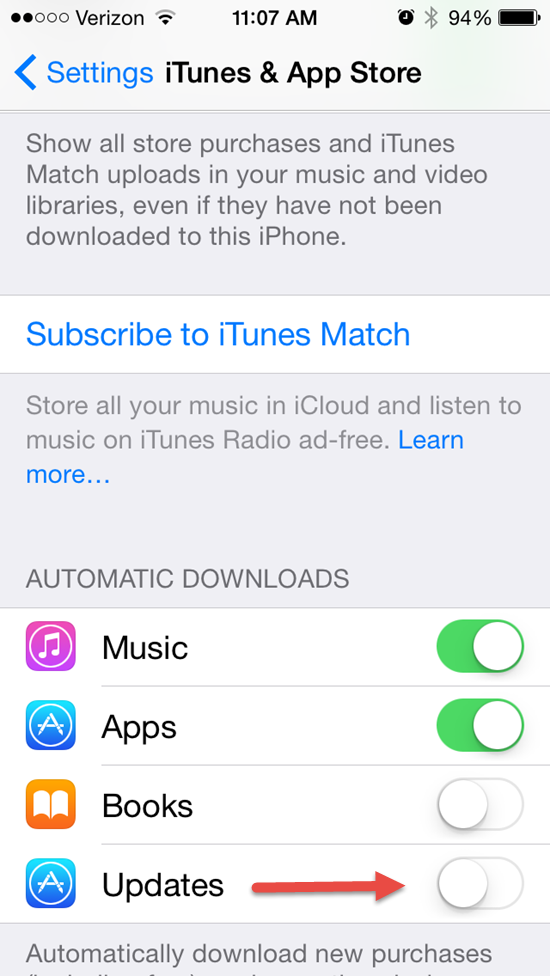
To prevent Spotify from updating (and losing your timer) check the settings on your phone. You can control if or when Apps will update. Go to Settings > iTunes & App Store and scroll down to the Automatic Downloads section and turn off the toggle next to updates.
With this setting in the “off” position you'll see notifications of updates in the App Store App on your phone > Click Updates. Now you'll be able to select which Apps to update – and those you don't!
I'll notify everyone once I (hopefully) see that Spotify has changed this back to the way it was.
Spotify had a big announcement yesterday > sounds like they're going directly after iTunes with a confidence that really surprises me. After all, we're talking about Apple here – the company with the largest market value of any company on earth. Kind of like my four pound Yorkie Maxx attacking our neighbor's German Shepherd!
Good for them 🙂
Streaming music service Spotify has announced new features including adding podcasts and video; music that adapts to the listener’s running pace; and the promise of smarter abilities to serve the right playlists for the time of day, activity and habits of the user.
The company’s launch event in New York on Wednesday, helmed by its chief executive Daniel Ek, offered some deeper clues about how Spotify is evolving, and the key challenges it faces as it aims to grow beyond its current 60 million active users, of whom 15 million pay for the service.
Spotify is biting back at Apple Recent months have seen a wave of stories about Apple’s supposed backroom machinations with music labels, encouraging them to clamp down on Spotify’s free, unlimited streaming service — which in turn would boost the prospects for Apple’s upcoming relaunch of its Beats Music. Read the rest here.
https://youtu.be/N_tsgbQt42Q
How do I get the ICI/PRO podcast on Spotify?
With many of us spending more and more time on Spotify, and away from iTunes, being able to cue up one of our latest episodes on Spotify would be awesome. So while I await my update signal from Spotify's server, I thought I would look into how I submit the Indoor Cycle Instructor Podcast to the new podcast offering from Spotify.
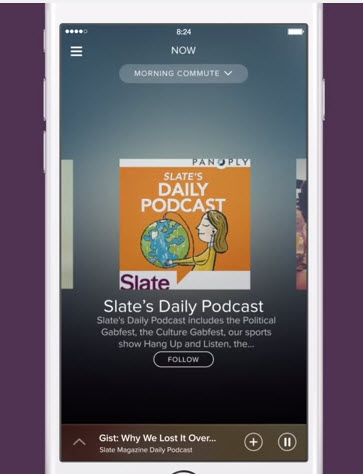
Here's what I found. With iTunes, Stitcher or any other Podcast service, publishers like ICI/PRO submit a link to the show RSS feed – here's mine http://feeds.feedburner.com/IndoorCycleFreePodcast – and this feed tells iTunes what episodes are available and when there's a new one, ready to be downloaded. It appears that Spotify is using the Panoply podcast network as the source for their on demand audio content.
So stay tuned. I'll make an announcement ASAP. Oh, for the last few of you who haven't yet, Spotify has an intro offer to upgrade to premium: $0.99 for three months.